Guides
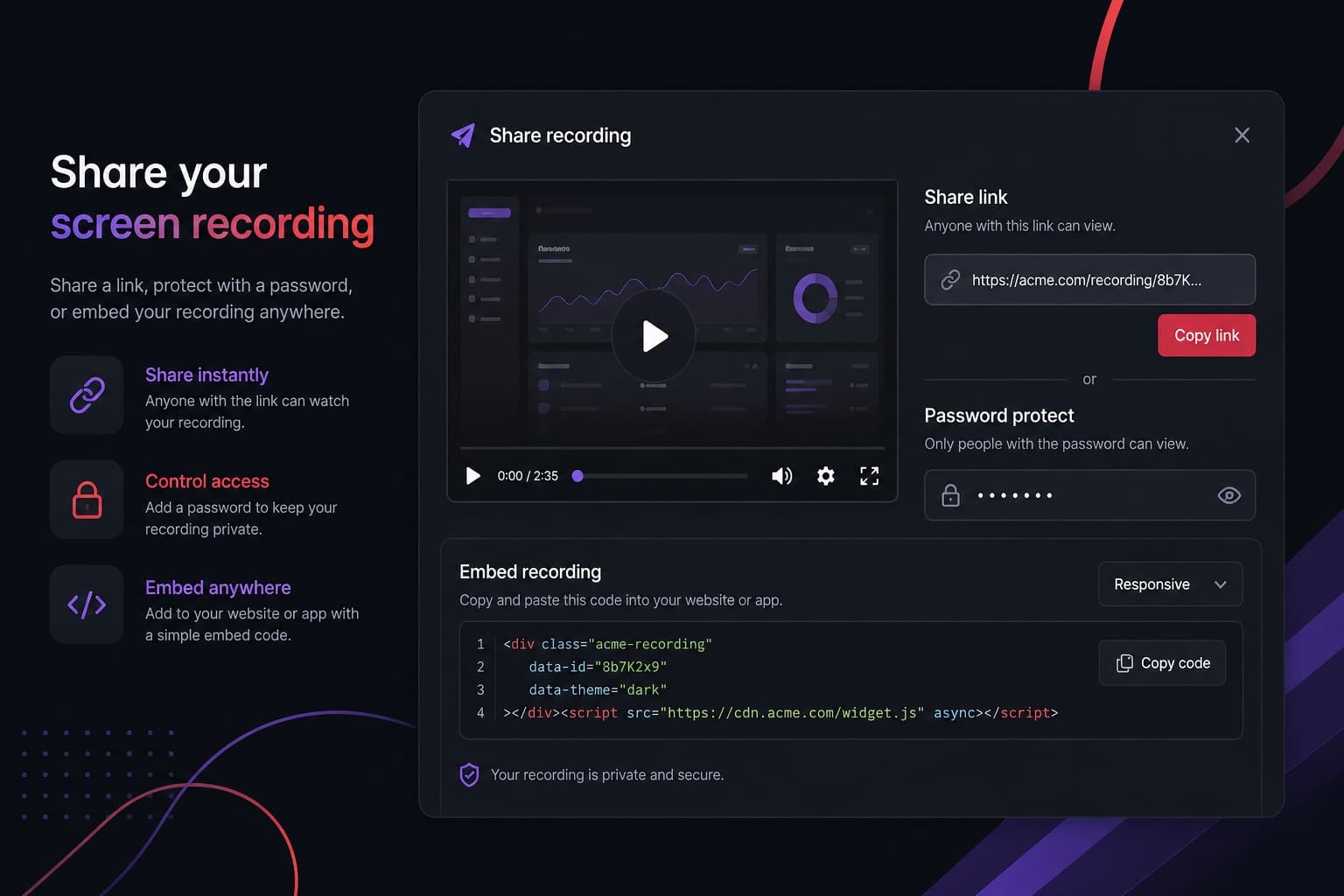
Best Ways to Share a Screen Recording
How Screen Record sharing works in practice: unlisted links, passwords, embeds and downloads — and when to use each.
· The Screen Record team
Record up to 5 minutes free — no complicated software requiredSee pricingStart recording free

Blog
Short, factual articles for people who need a walkthrough, a demo or a clearer explanation than email.
Guides
How Screen Record sharing works in practice: unlisted links, passwords, embeds and downloads — and when to use each.
· The Screen Record team
How to
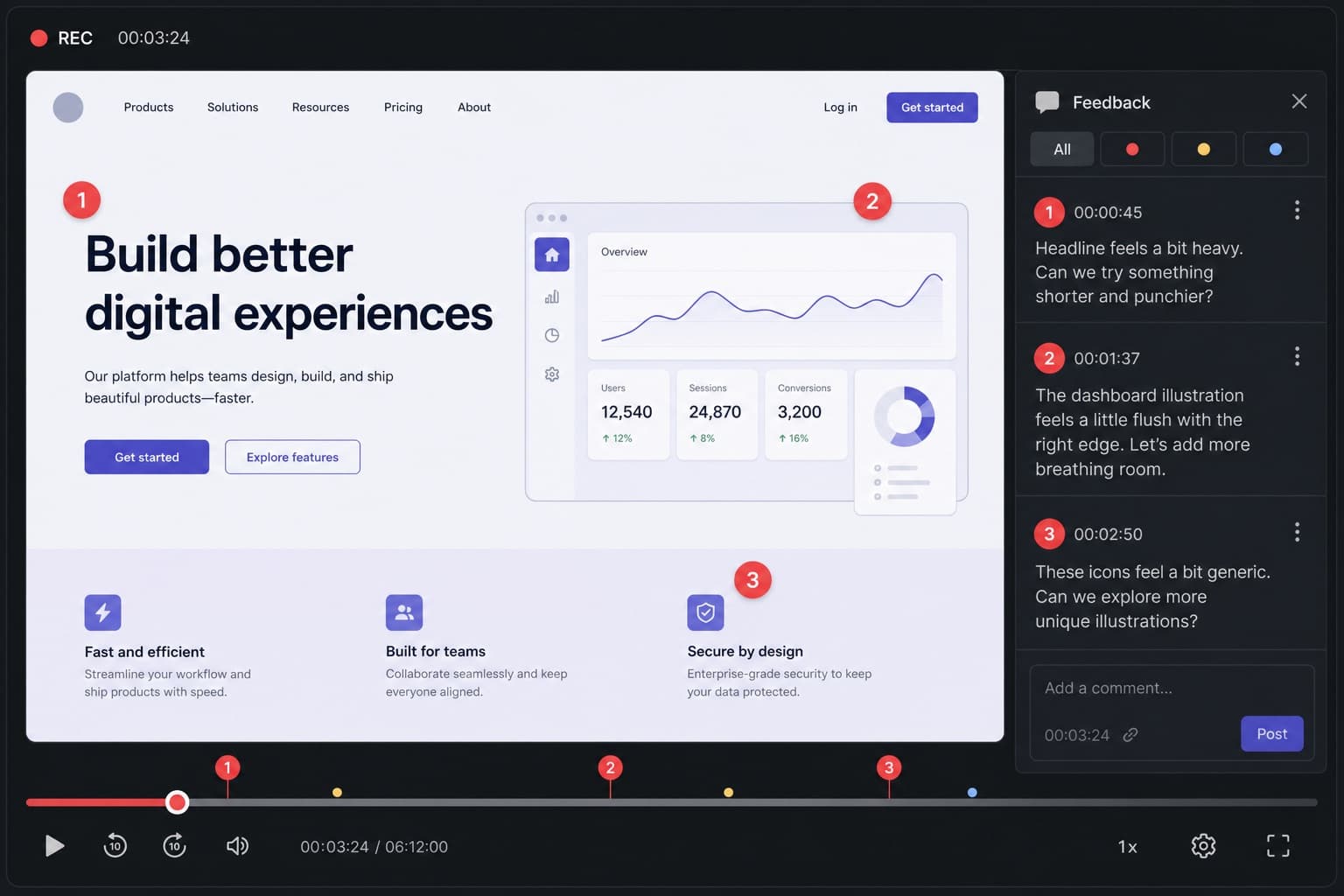
A method for designers, agents, developers and producers to give client feedback with a screen recording instead of a thread of comments.
· The Screen Record team
How to
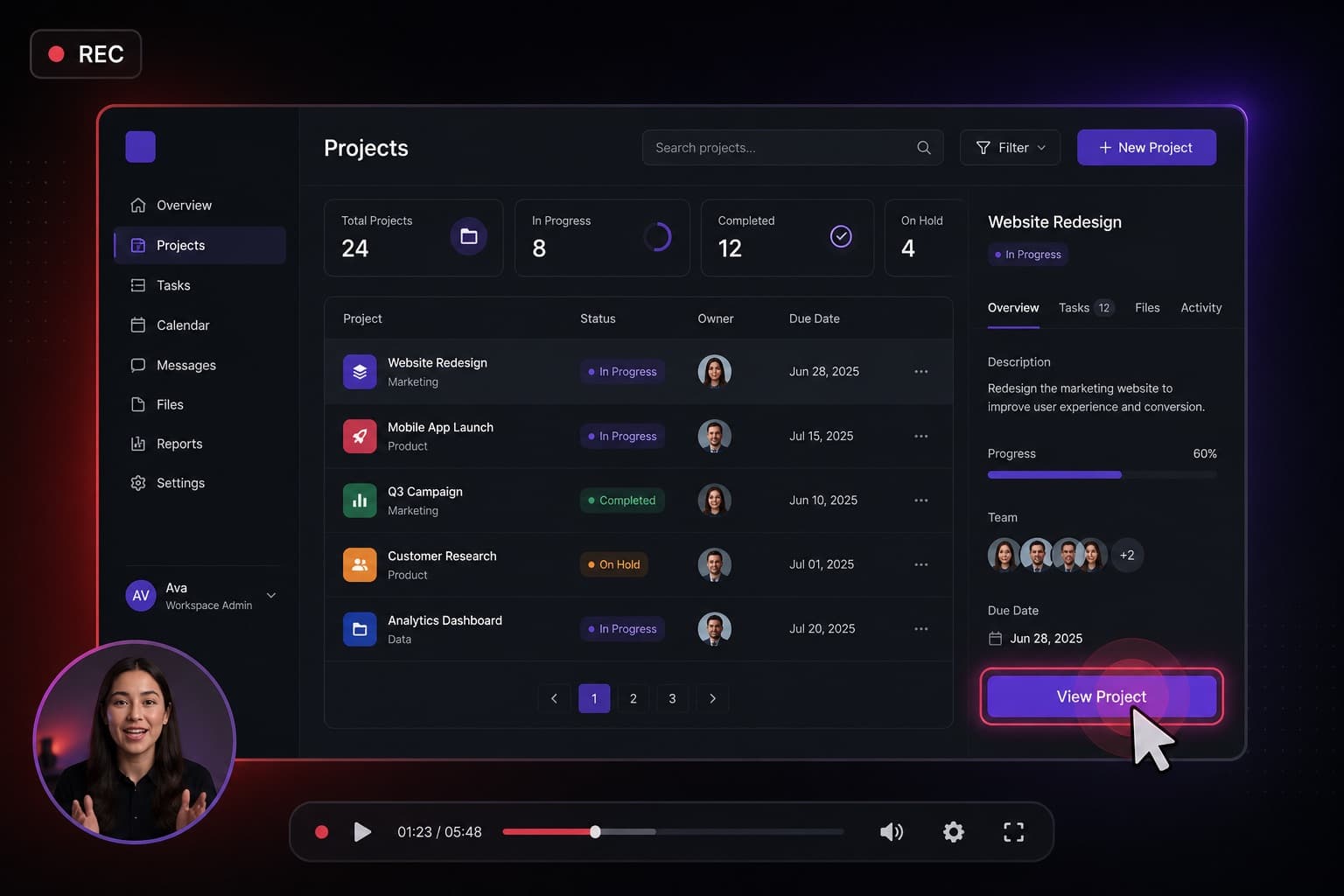
A practical workflow for product demos and feature walkthroughs using a browser screen recorder with microphone and optional camera.
· The Screen Record team
Comparisons
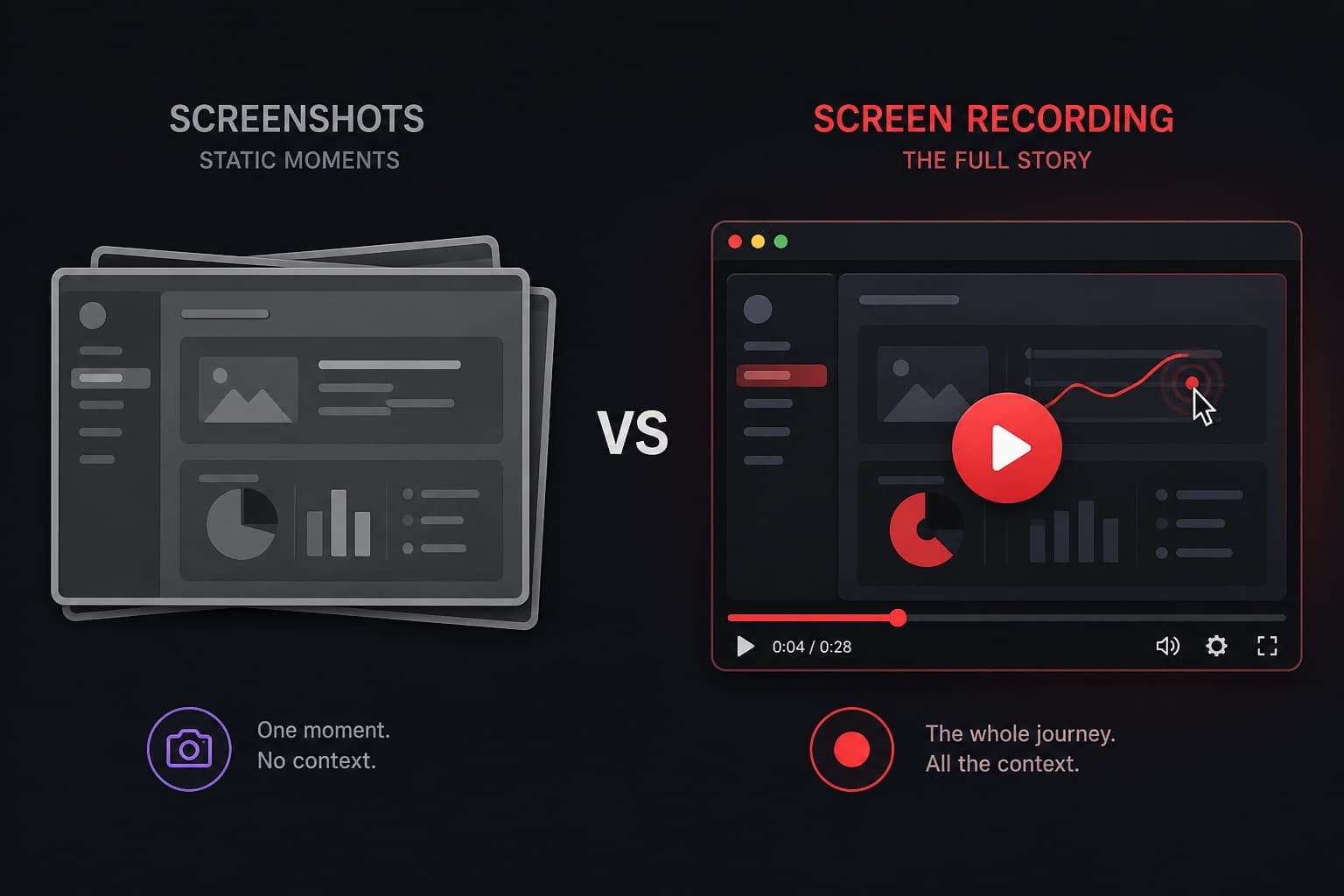
An honest comparison of screenshots and screen recordings for explanations, feedback, support and training.
· The Screen Record team
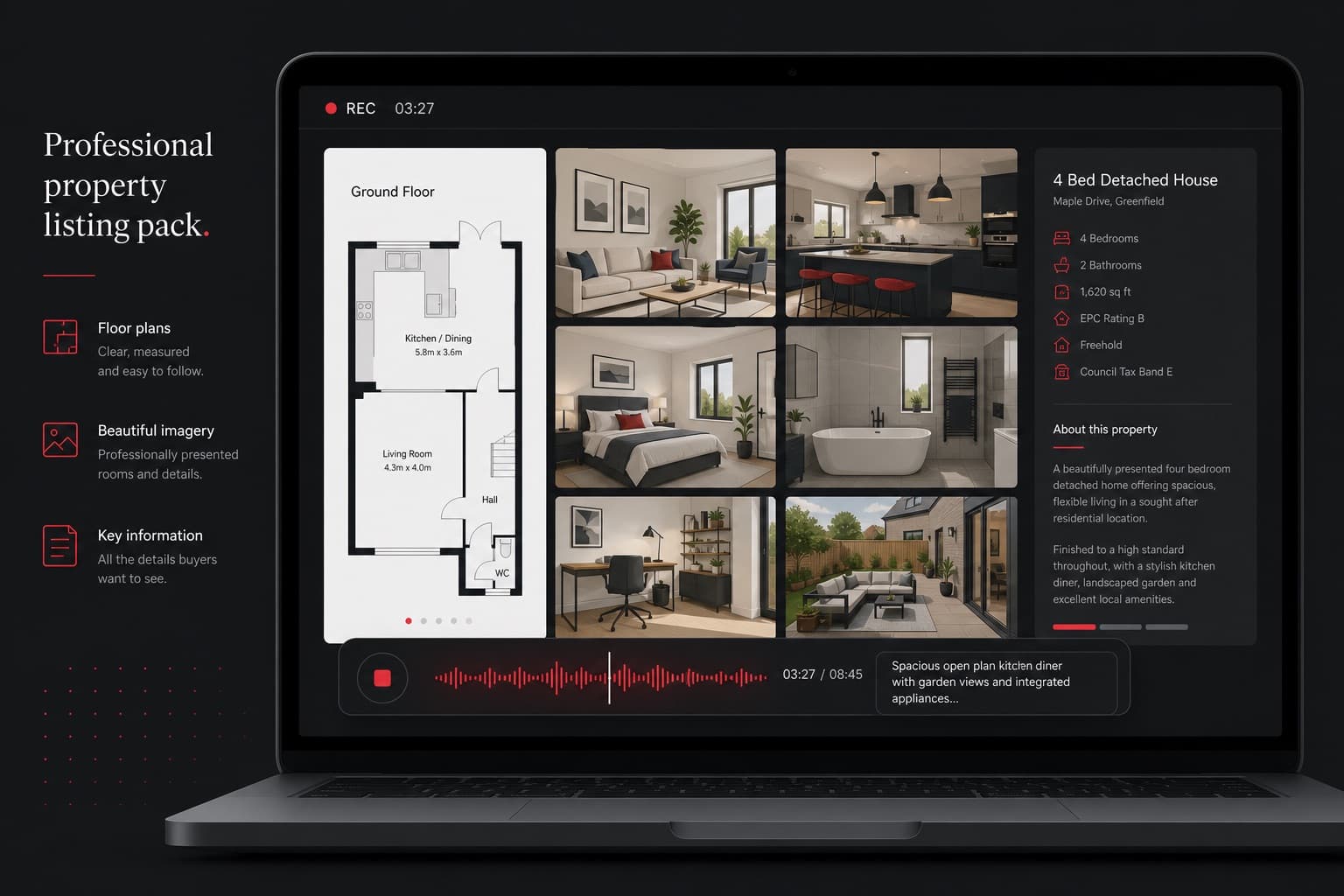
Real estate
Practical ways property professionals use a browser screen recorder — without turning the whole product into a niche real-estate tool.
· The Screen Record team
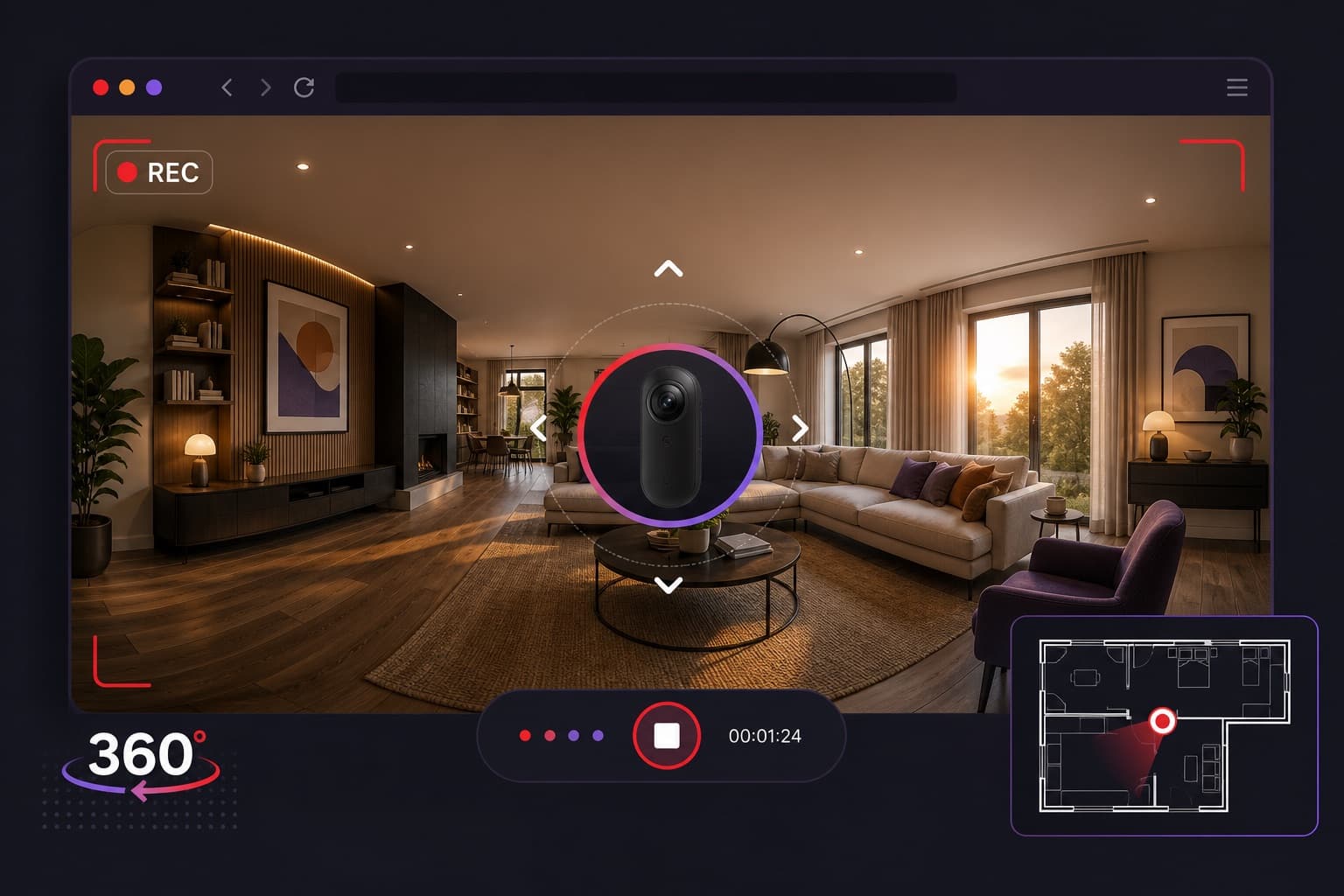
Real estate
A practical method for turning an interactive 360° tour into a guided walkthrough video with your own commentary.
· The Screen Record team
How to
Why tab recording is often better than full-screen capture, and how to do it in Screen Record with Chrome or Edge.
· The Screen Record team
How to
How to add your voice and tab audio to a screen recording, including honest limits: tab audio is widely supported, full system audio is not.
· The Screen Record team
How to
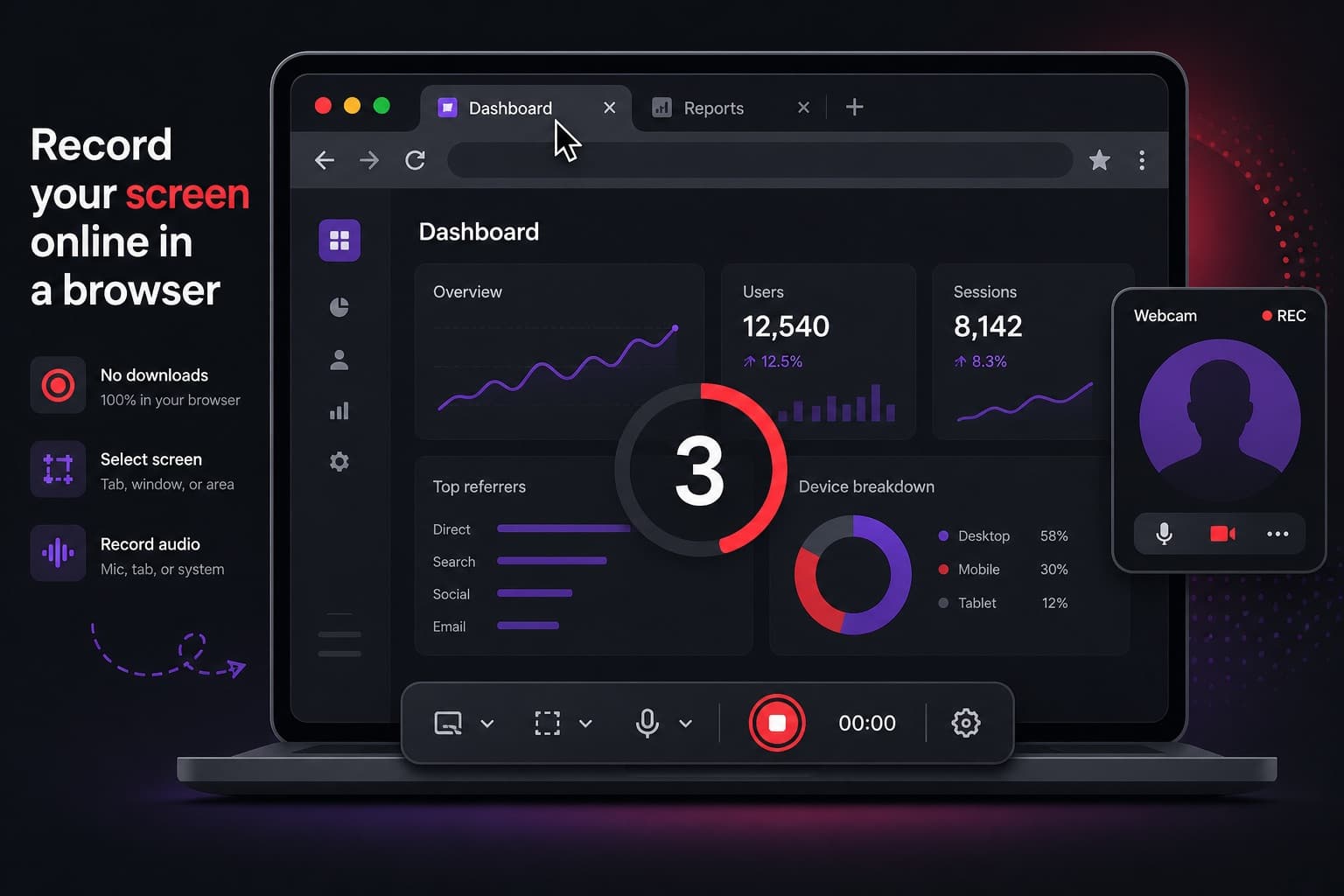
Step-by-step instructions for recording your screen in a browser, including audio, camera overlay, preview and sharing — without installing a desktop app.
· The Screen Record team
Guides
A plain-English guide to screen recorders: what they capture, how a browser-based tool differs from desktop software, and when a short video is the clearer choice.
· The Screen Record team