
Who this is for: Estate agents, photographers, developers, interior designers and property marketers.
Turn a virtual tour into a guided presentation
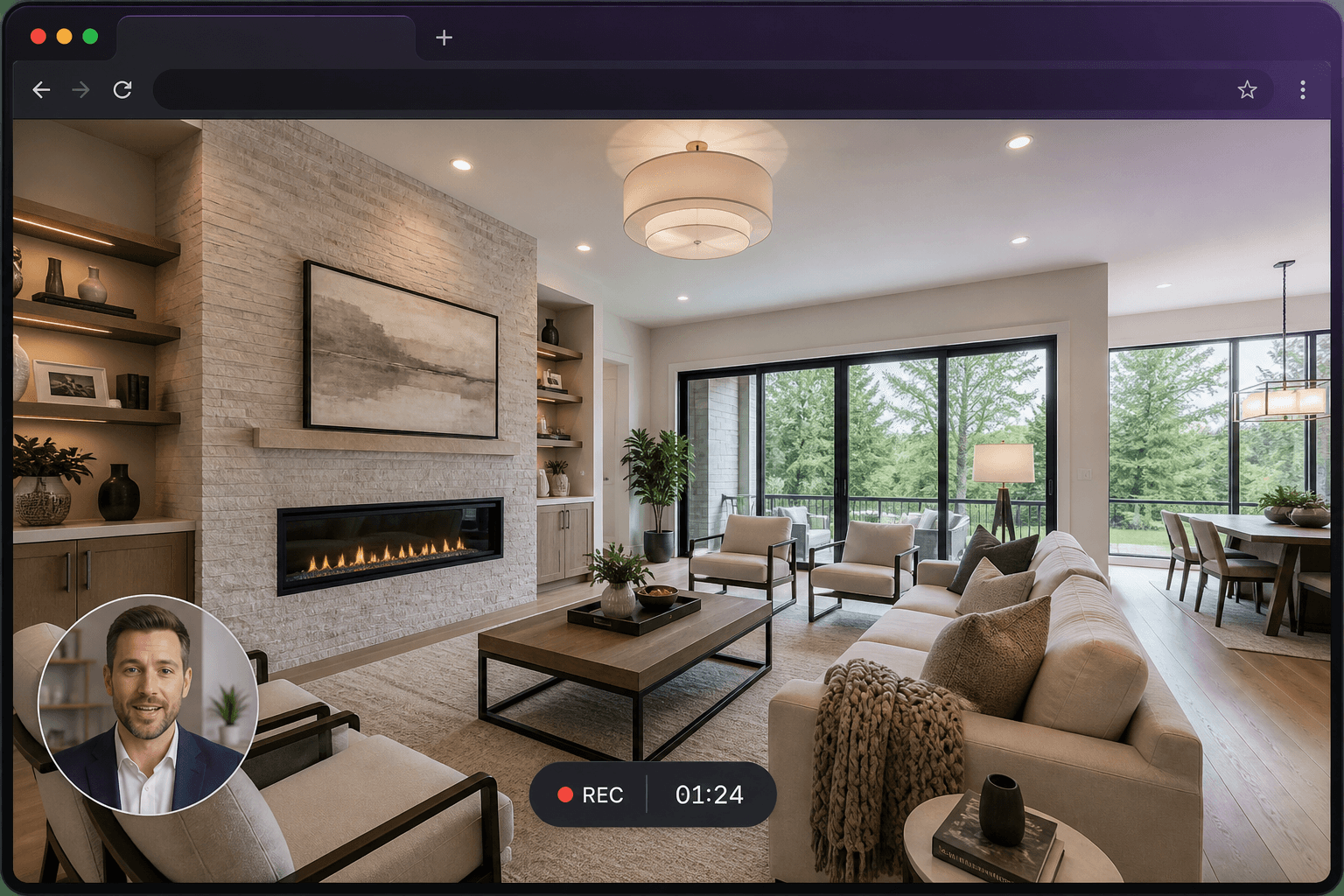
Open the 360° tour, record the tab, and talk as you move from room to room. Viewers get your route and your emphasis. Send the interactive tour as well if they should look around afterwards.
Present a property remotely
Walk through the brochure, CGI and floor plans on a video call’s schedule — without the call. Overseas buyers and busy vendors can watch when they are free.
Feedback on photography and marketing materials
Show the image or plan, say what to change, and share a 40-second clip. It is faster than a marked-up PDF for most amends.
Vendors, buyers, tenants and new homes
Record portal instructions, inventory walk-throughs, and CGI or development presentations. Reuse the clips that you currently repeat on the phone.
Questions
Is Screen Record only for real estate?
No. Real estate is a prominent use case. Software teams, teachers, support desks and freelancers use the same recorder.
Can I password-protect a listing walkthrough?
Yes. Set a password on the share page before a property goes live.